Legal workflow automation
inside the tools you use.
Connected Systems brings legal workflow automation to the systems your firm already runs on. A change in one place updates the others. Email files itself, and nobody retypes a record.
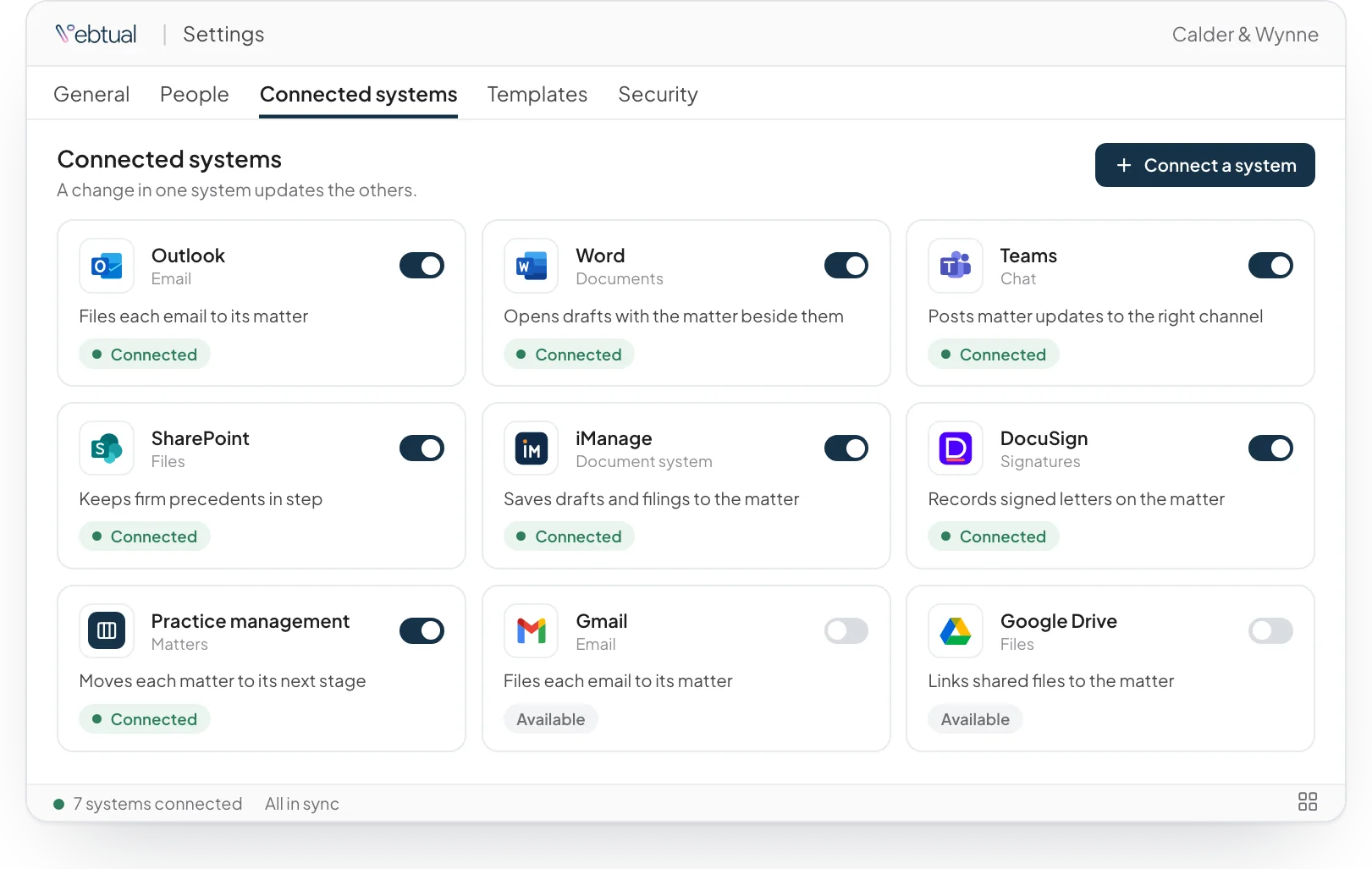
Email that files itself
A new email goes to the right matter with its attachments, and the matter updates on its own. Your team sees what came in and what it means for the work.
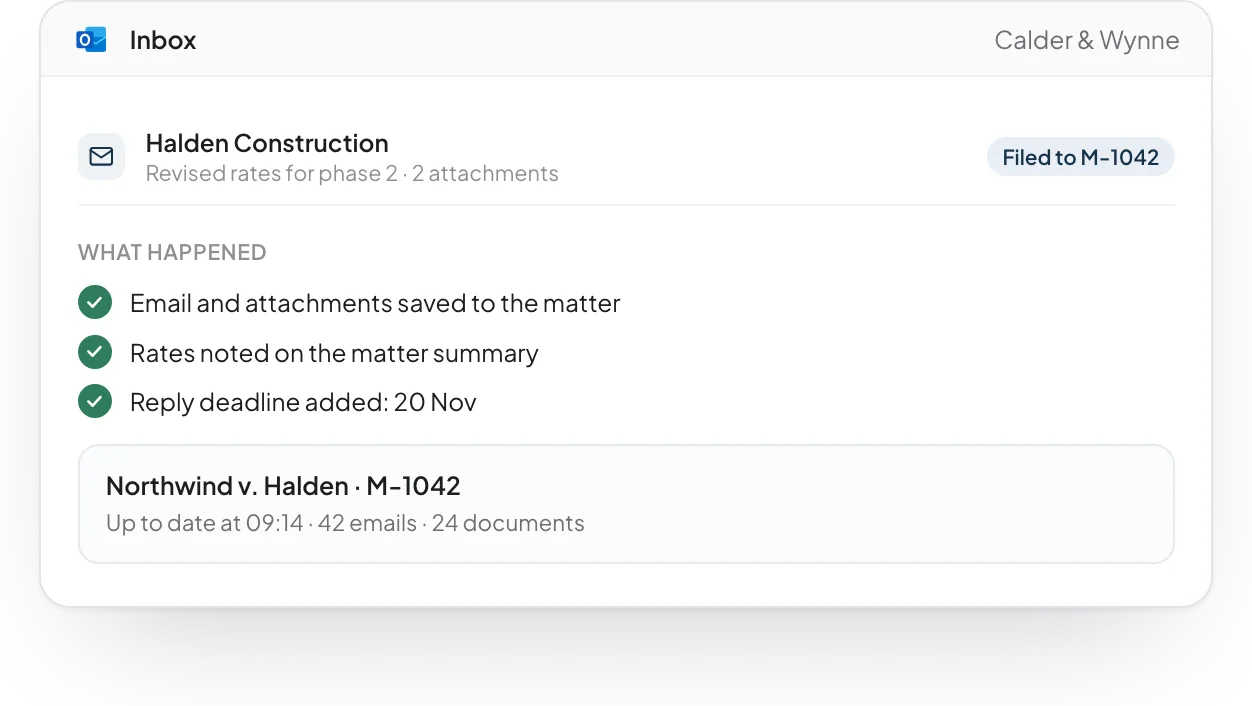
Status that moves with the work
When a task is done or a deadline changes, the matter moves to its next stage. The people who need to know see it in the tools they already use.
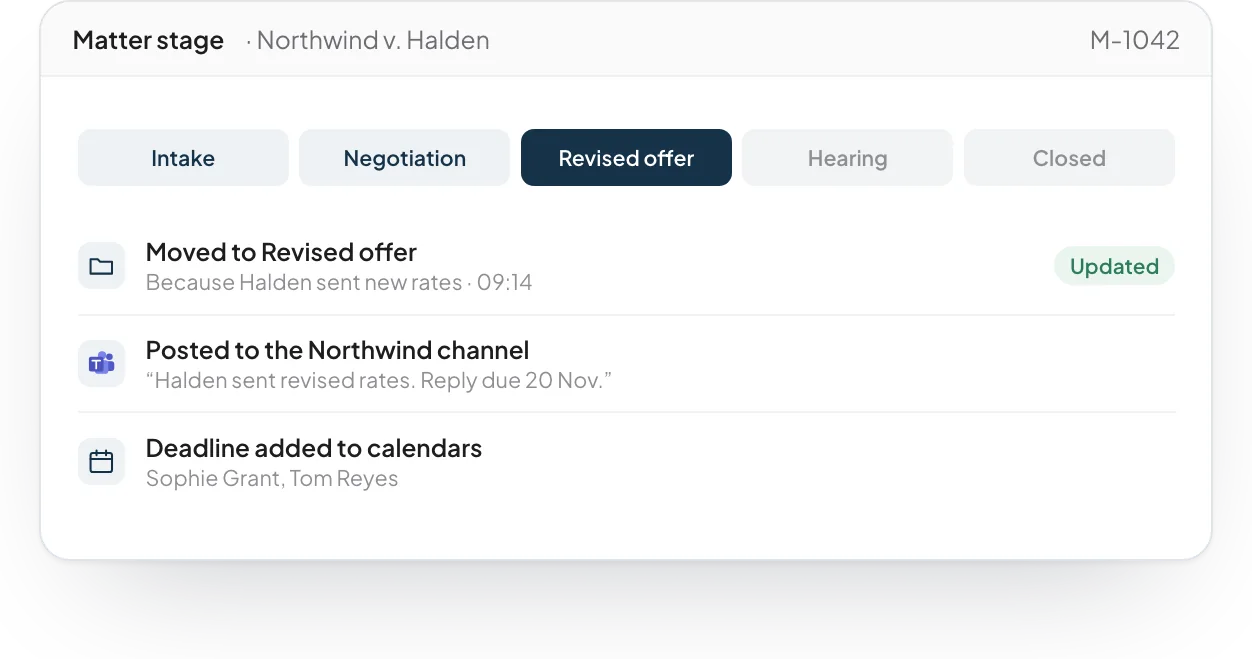
Documents stay where they are
The assistant reads from your document system in place. Nothing is copied into another store, and access follows the permissions you already set.
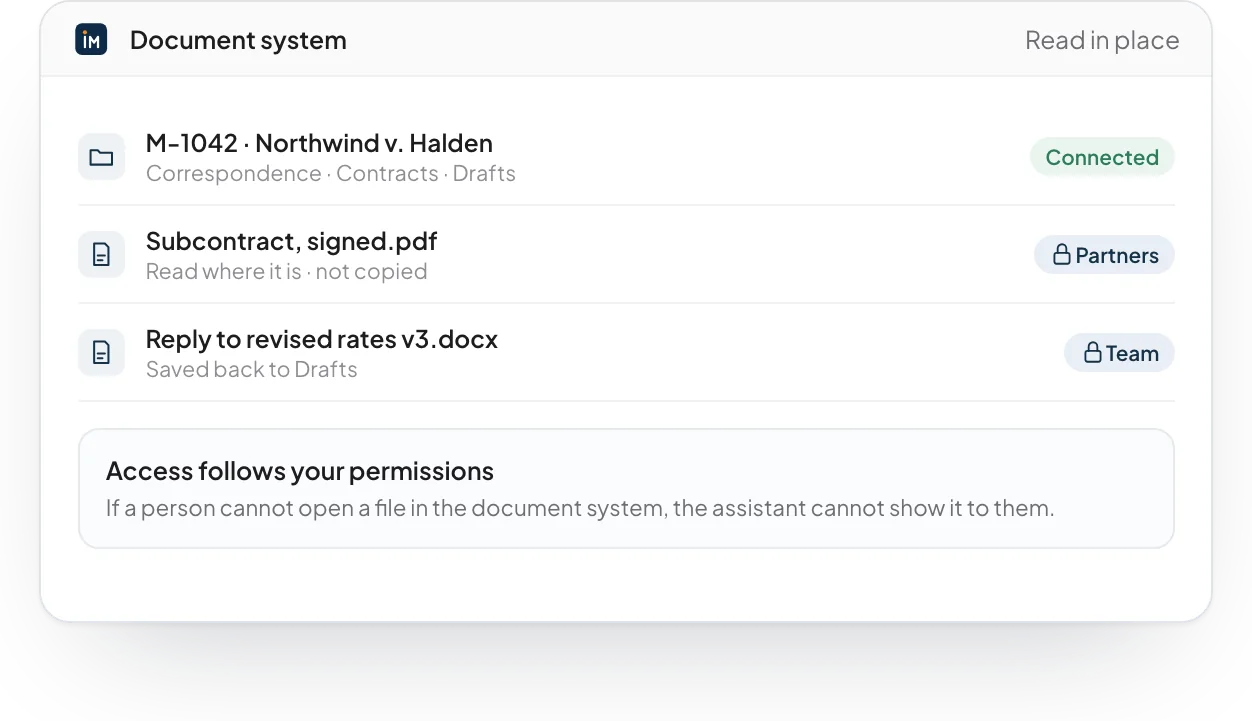
Your own tools too
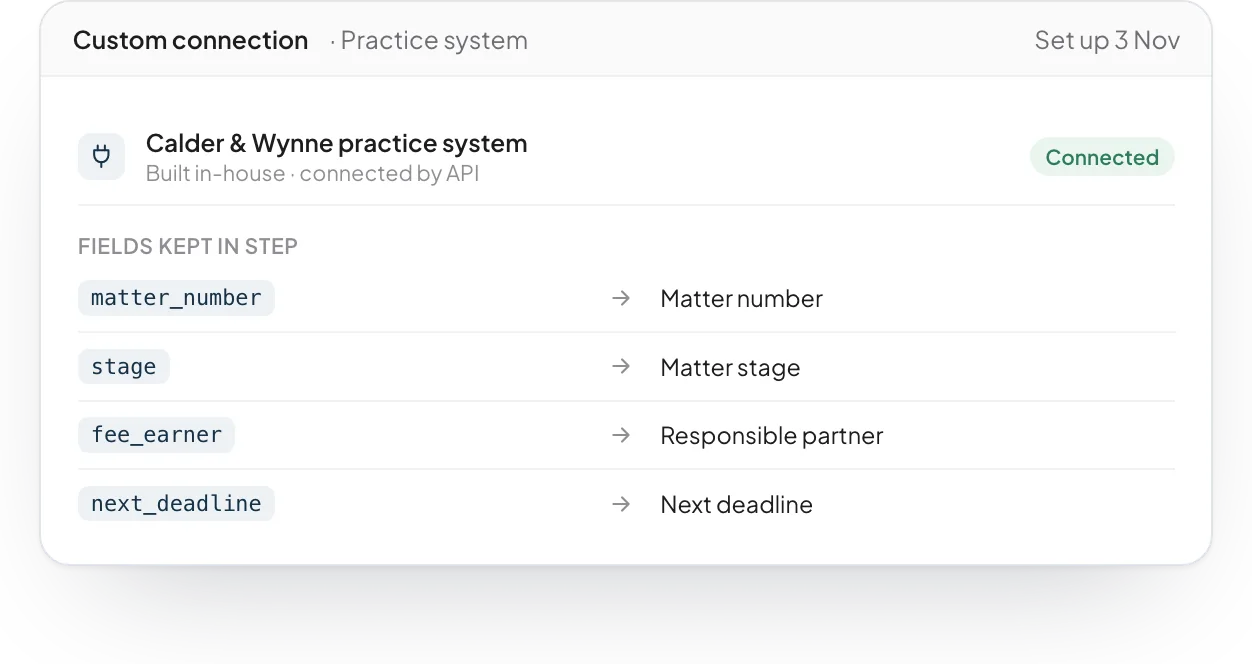
During set-up we connect the systems your firm built for itself, as long as they offer a way in. Your records stay the single source of truth.
Built from software we have already tested.
Connected Systems comes from software we have already built and tested. We fit it to your systems, your documents and your style, then stay to run it with you.
What is legal workflow automation?
Legal workflow automation lets software do the routine steps of legal work. Examples are filing email, updating a status or copying a record from one system to another.
What workflows can law firms automate?
Common examples are filing email to the right matter, moving a status when the work moves and entering the same record in more than one system. Connected Systems does these steps inside the tools you already use.
Do we have to move our documents?
No. Documents stay where they are. The software works with your current document system, so nothing has to move to a new place.
Does it work with Outlook?
Yes. It can link each email and its attachments to the right client or matter, summarize long threads and show which emails need a reply. When a match is not clear, it asks a person to confirm.
Does it work with Microsoft 365 and Google Workspace?
Yes. It can work with Microsoft 365, including single sign-on, SharePoint, OneDrive, Outlook and Word. It can also connect to Gmail and Google Drive. Each connection uses your own permissions, and we test it with your IT team before go-live.
Can it connect to our own systems?
Yes. We can connect it to your practice management, CRM, document system and in-house tools through secure APIs. Each connection has its own permissions and an audit log.

See it working on a case like yours.
Tell us about your organisation and the work you want to move faster. We will show you the software on an example close to yours, and how we would fit it to your systems.